
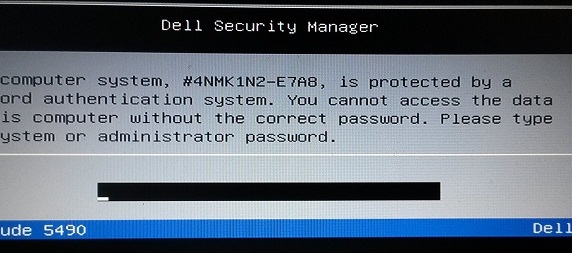
How to reset a Dell BIOS password and unlock setup
You can reset or unlock a Dell BIOS password in BIOS setup. Some Dell laptops may use up to four types of BIOS password.

Restart the laptop and press F2 repeatedly.
Enter the Dell BIOS master password we provided.
Go to Security
Then select Passwords
Look for the Unlock Setup option
Find out what password is set or not set
Select Administrator Password if set
Then reset the password
Three fields will appear
Enter the BIOS master password in the first field
Leave the other two fields blank.
Click Save.
Repeat these steps for the administrator, system, and supervisor passwords. if set,
The password should now be removed and marked as not set, and the laptop should no longer prompt for it at startup.